Add one work schedule
Photograph or choose a schedule and enter the name shown on it.
Photograph or choose a work schedule, review the shifts ScanMyShift finds for you, then decide what goes into your Android calendar.
Morning shift
07:00–15:00
Screens from the app with fictional example data. Calendar access and AI recognition are simulated in these examples.
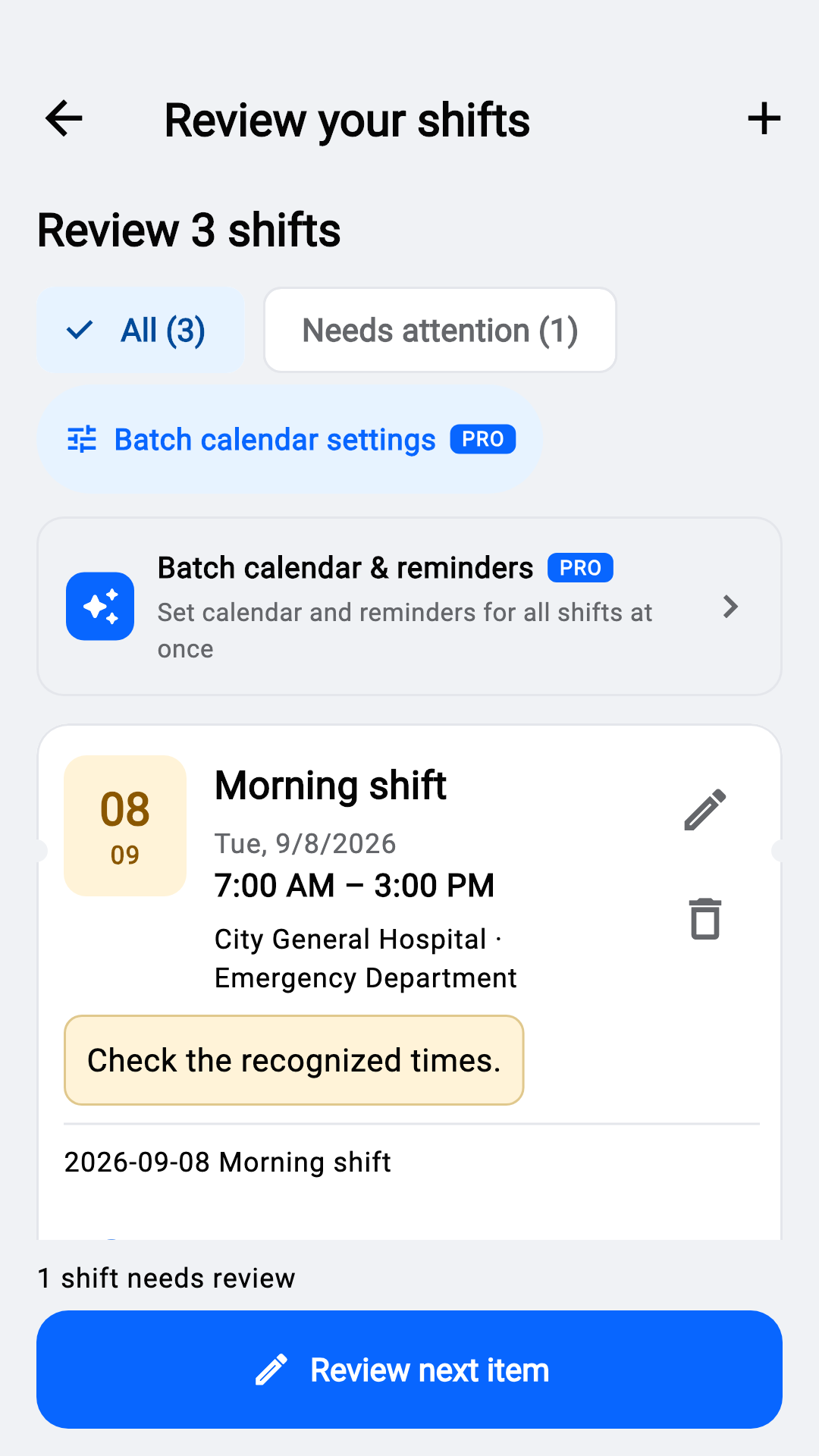
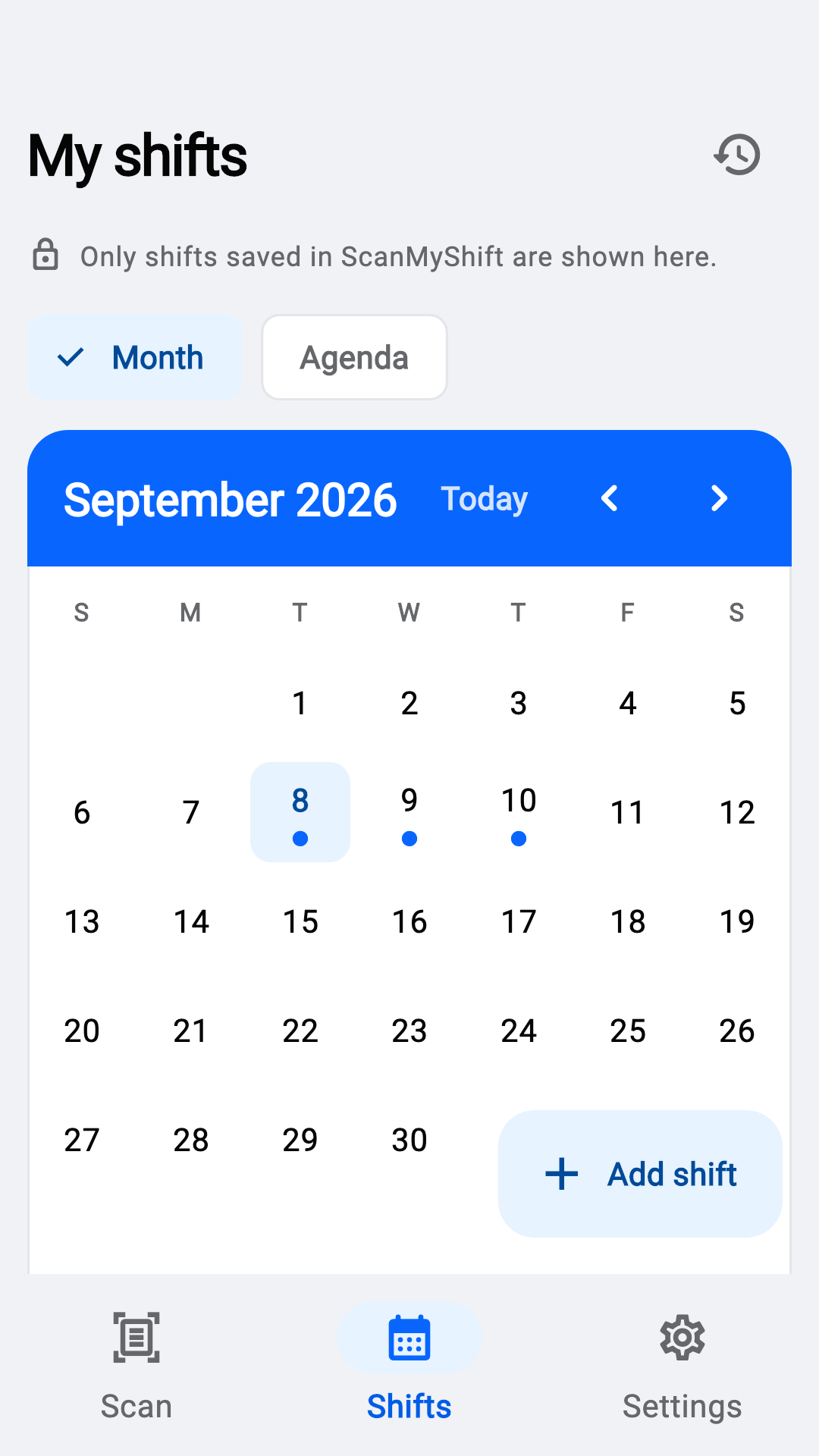
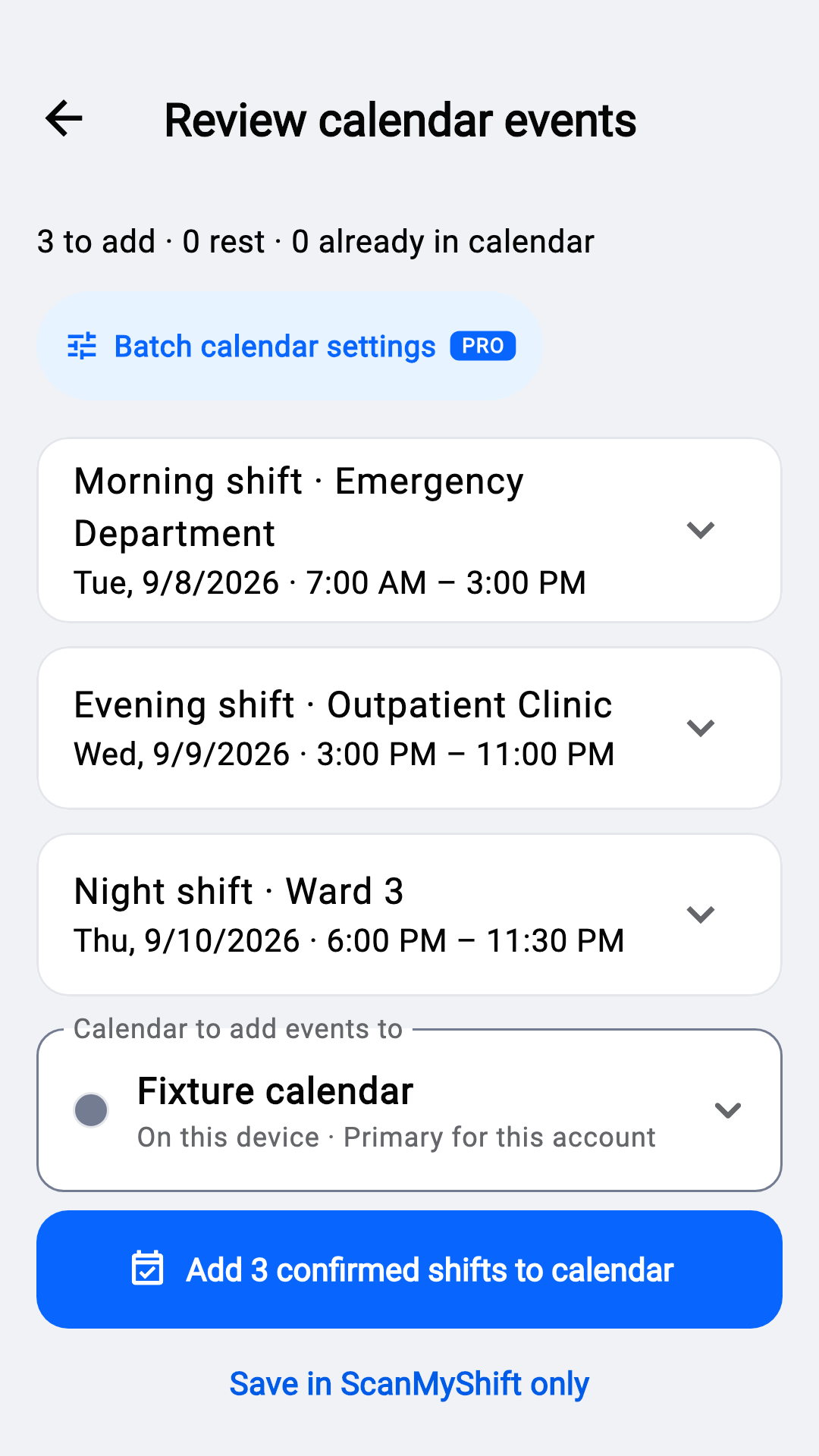
App interface: 19 languages. Recognition quality depends on the schedule language and image quality.
Photograph or choose a schedule and enter the name shown on it.
Check dates and times; edit uncertain results.
Choose a calendar and confirm the shifts to add.
| Feature | Free | Pro |
|---|---|---|
| Cloud recognition | 5 scans per calendar month | Unlimited for normal personal use |
| Manual entry, review, editing, deletion and calendar adding | Included | Included |
| Ads | Includes ads; optional rewarded scans | Ad-free |
| Batch calendar, reminder and title settings | Not included | Selected shifts in the current import |
| Calendar reminders | 30 minutes before | Choose from preset timings |
Subscription prices, periods and trial eligibility follow the current Google Play purchase screen.
The selected work schedule image and target name go to cloud AI processing only after you confirm the upload.
Your shift library is stored primarily on your device. ScanMyShift has no account system or its own cloud sync.